



Learning how to post a job on Craigslist is straightforward once you understand the steps.
In this article, you'll learn exactly how to create a post on Craigslist, what it costs, tips to make your listing stand out and a better alternative for hospitality hiring.

How To Create a Post on Craigslist: Step-by-Step
Posting a job on Craigslist involves six simple steps. Follow this guide to get your listing live quickly and correctly.



The Fastest Growing
Restaurant & Hospitality Job Platform
Looking for top paid jobs? Or Hiring for your business?
1. Create a Craigslist Account
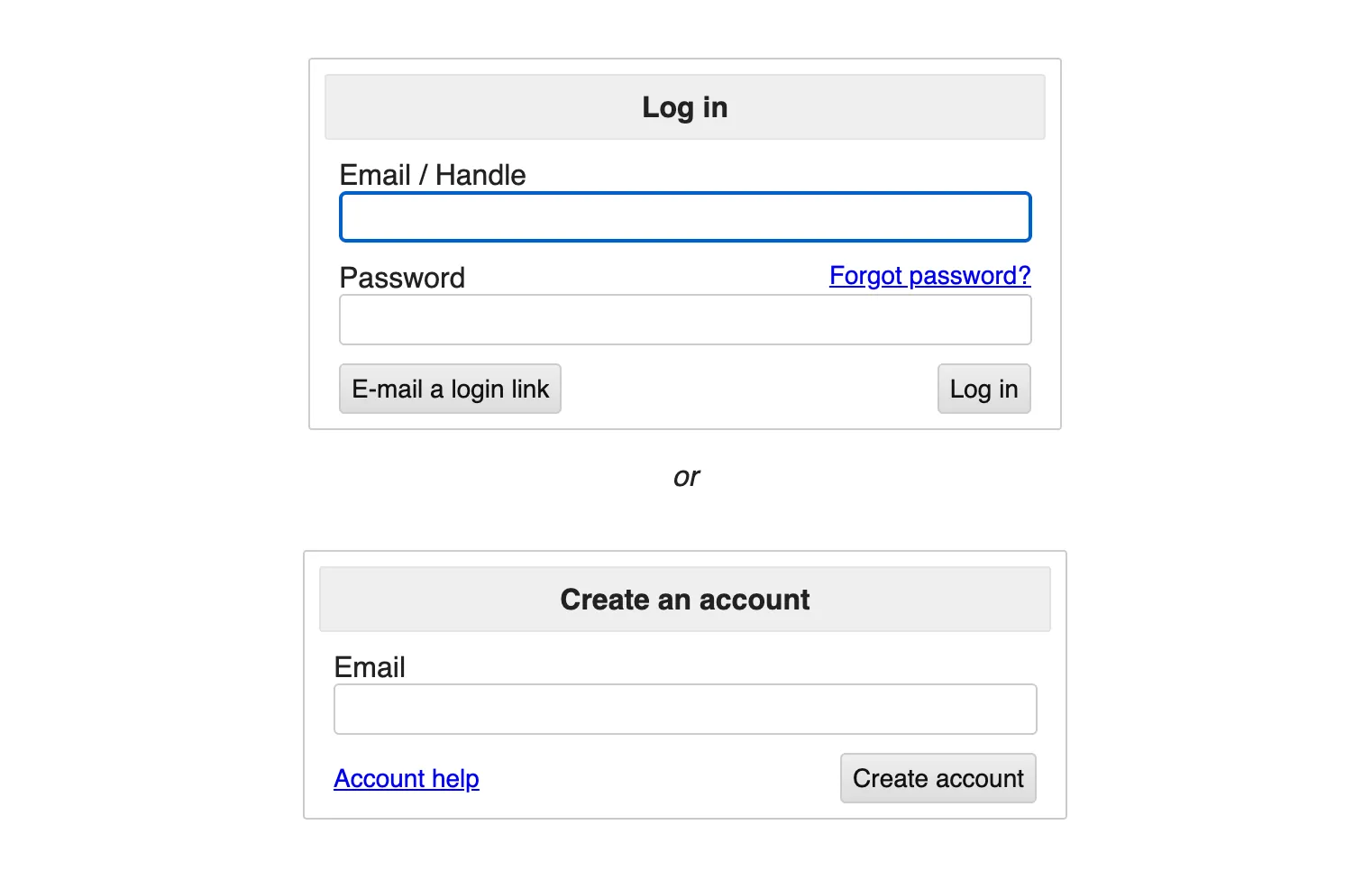
Creating an account is optional but highly recommended. A free account lets you save drafts, edit listings, delete posts and repost jobs without starting from scratch.
To sign up, visit Craigslist's account creation page, enter your email and password, then verify your email address. If multiple team members need access, consider creating a shared email address for the account.
2. Set Your Correct Location
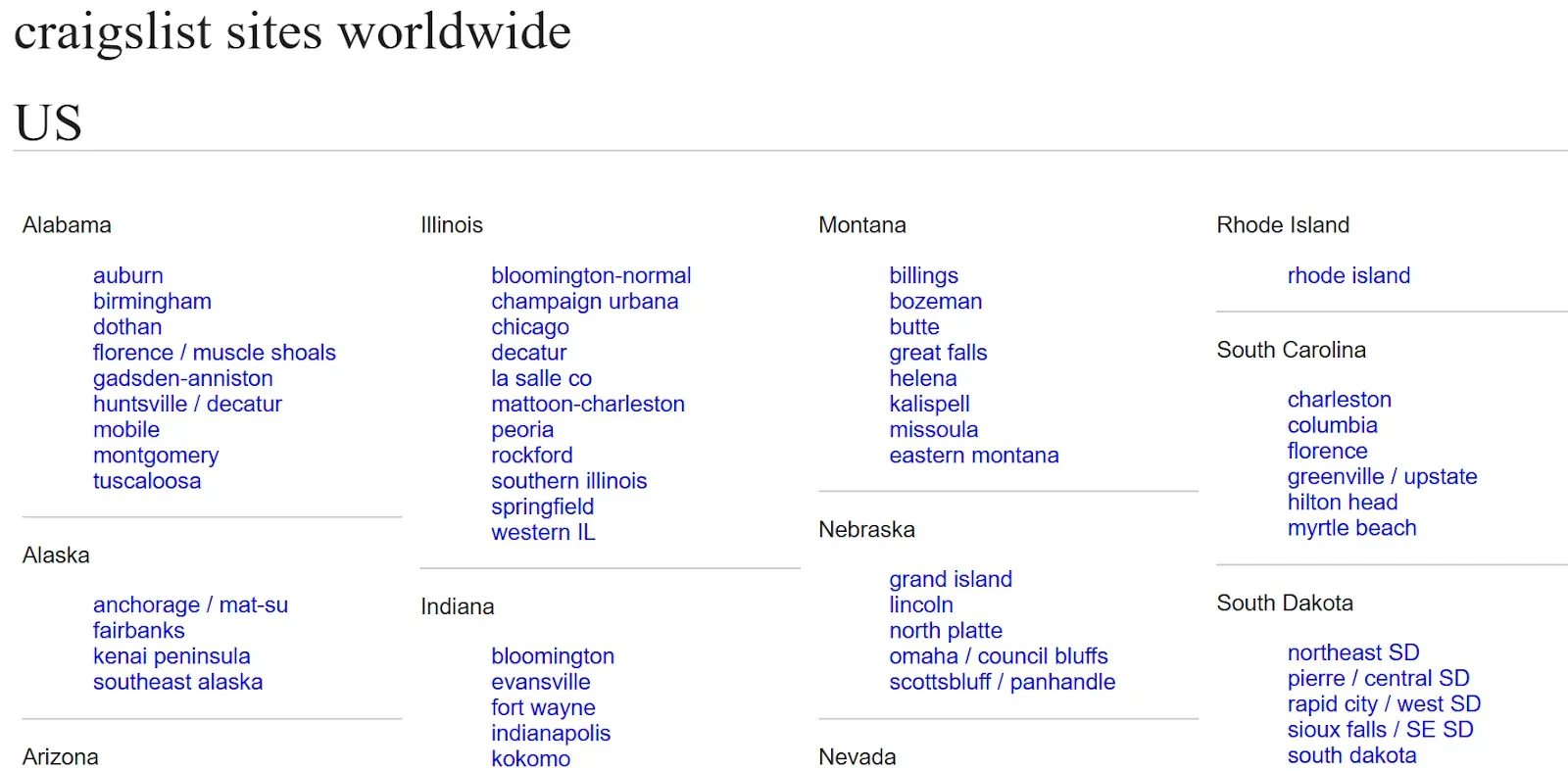
Craigslist operates as a network of local sites. Before posting, confirm that the location displayed at the top right of the page matches where you want to hire.
This is a common mistake—many employers post from their office location rather than the job's actual work location.
If you're hiring for a restaurant in Austin but posting from your San Francisco office, you'll attract the wrong candidates.
3. Select "Post to Classifieds" and Choose Job Category
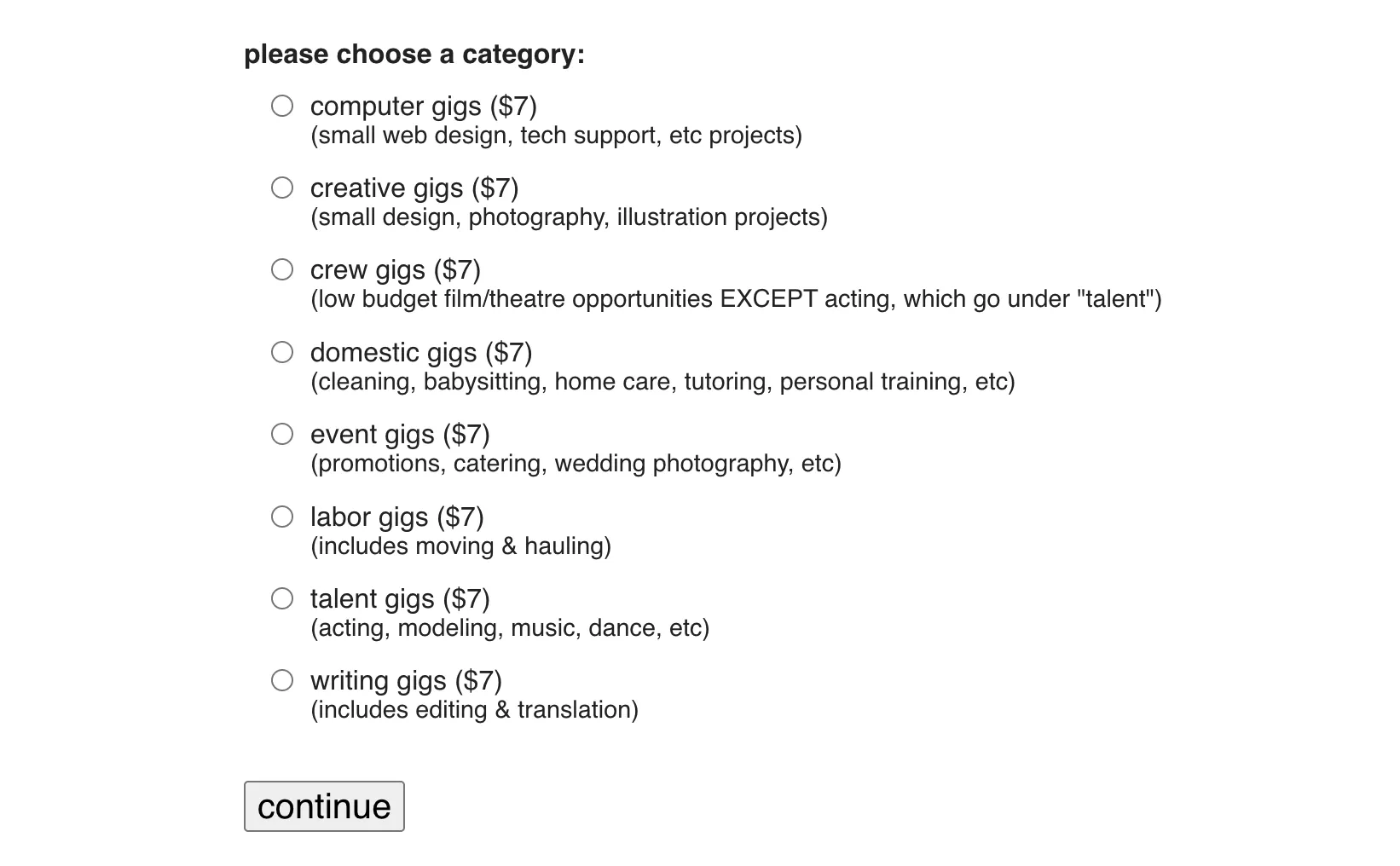
Click "create a posting" near the top left of your local Craigslist homepage. Select "job offered" as your posting type, then choose the most relevant category for your role.
You can post to multiple categories for broader reach, but each category costs a separate fee. Less crowded categories sometimes get more visibility, so check how many active listings exist before choosing.
4. Write a Compelling Job Description
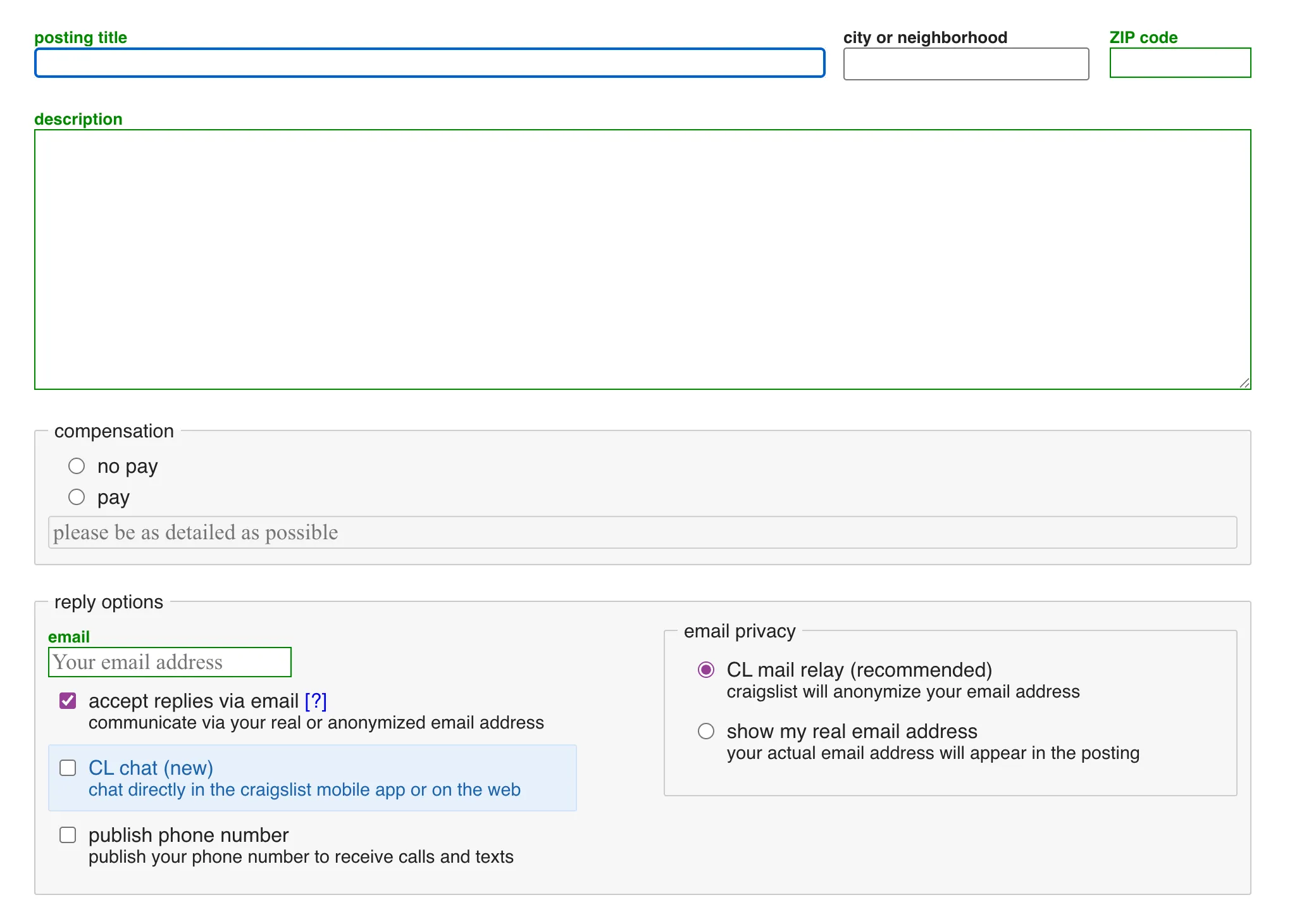
Enter your job title, specific location and a detailed description of the role. Include key information like employment type (full-time, part-time, contract), required experience, compensation range and benefits.
Use clear, benefit-focused language that speaks directly to candidates. Mention perks like flexible scheduling, growth opportunities or team culture to stand out from generic listings.
The Fastest Growing
Restaurant & Hospitality Job Platform
Looking for top paid jobs? Or Hiring for your business?
5. Add Contact Information and Map Location
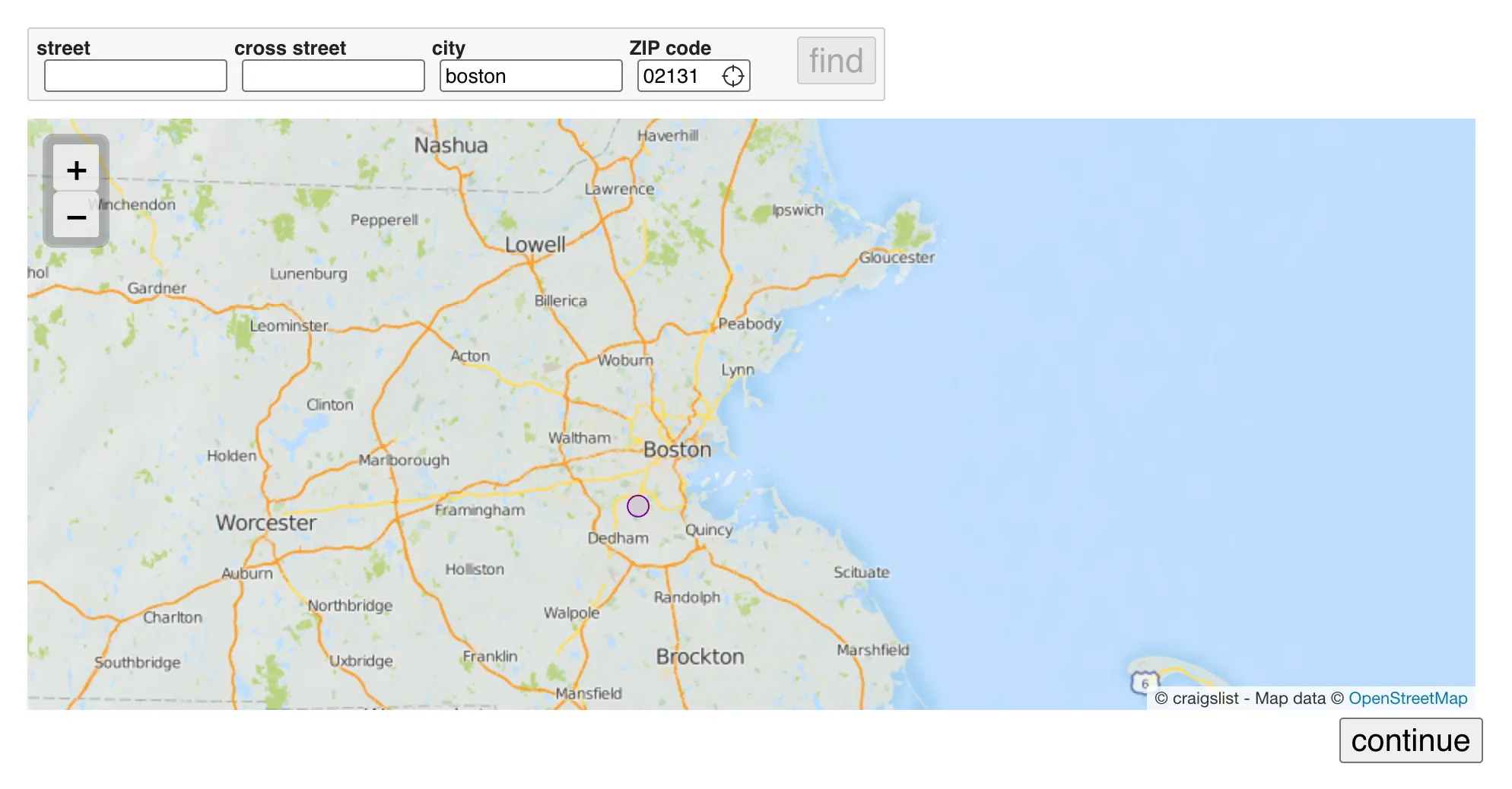
Choose how candidates will reach you—either your direct email or Craigslist's mail relay feature, which protects your address from spam. If using an applicant tracking system, you can direct candidates there instead.
Check the "show on maps" option and enter your business address. This is crucial because many job seekers search by proximity to their home, especially hourly workers looking for short commutes.
6. Review, Pay and Publish
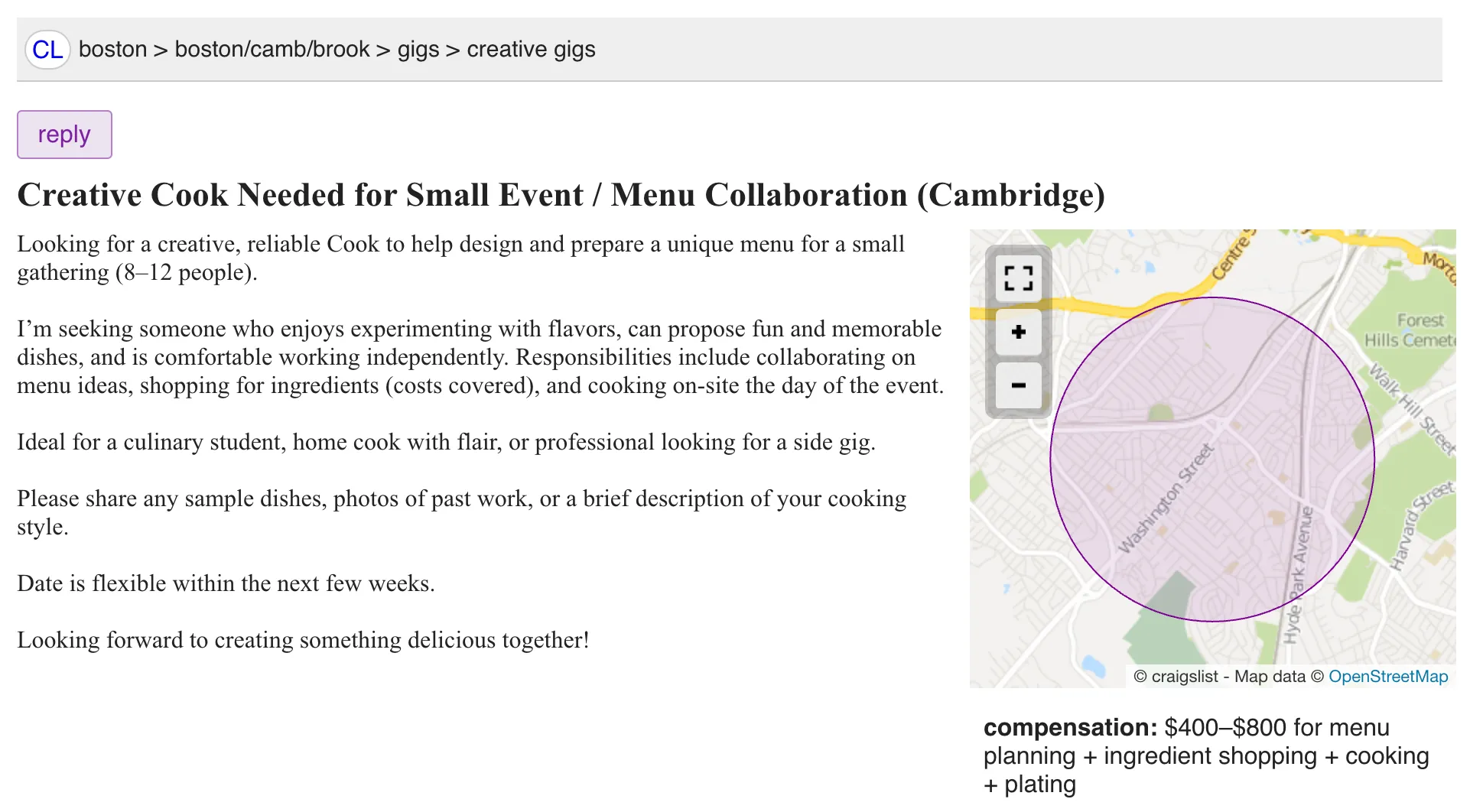
Preview your job listing for errors before submitting. Once satisfied, accept the Terms of Use and complete payment to publish your post.
New users will need to verify the posting via email before it goes live. Your job should appear on Craigslist within approximately 30 minutes of publishing.
Understanding Craigslist Job Ad Cost
The Craigslist job posting cost varies by city and market demand. Unlike subscription-based job boards, Craigslist charges a flat one-time fee per listing with no recurring charges.
Typical fees range from $10 in smaller markets to $75+ in major metros like San Francisco, New York and Los Angeles.
Texas cities like Houston and Dallas typically cost $35–$45 per listing. Your posting remains active for 30 days regardless of the fee amount.
Bear in mind that there are no premium placement options on Craigslist, you can't pay extra to rank higher in search results.
How To Post Jobs on Craigslist for Free
While Craigslist no longer offers free job postings in the United States, certain options exist for specific situations. Non-profit organizations and government agencies can often post jobs at no cost in many regions.
For U.S. employers seeking truly free options, platforms like OysterLink offer competitive pricing with better targeting for hospitality roles—often delivering higher-quality applicants at comparable or lower costs.
Tips for Craigslist Job Posting for Employers
Making your Craigslist job posting for employers effective requires more than just filling in the blanks. These strategies help your listing stand out and attract quality candidates.
- Use attention-grabbing title
- Post at optimal times
- Enable map location
- Add compelling images
The Fastest Growing
Restaurant & Hospitality Job Platform
Looking for top paid jobs? Or Hiring for your business?
Best Alternative: OysterLink for Hospitality Hiring
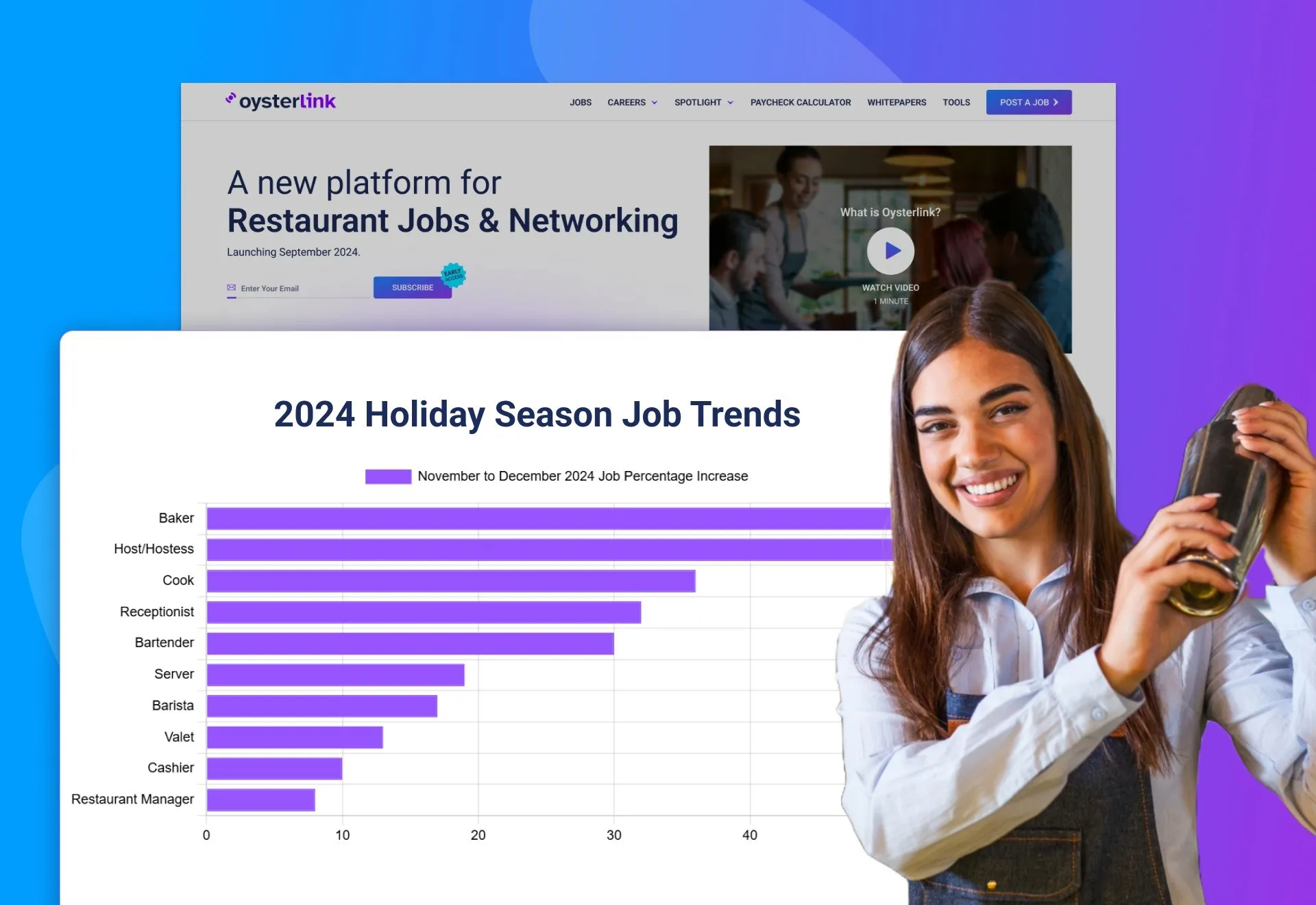
For restaurant, hotel and hospitality employers, OysterLink delivers what Craigslist can't: a targeted platform built specifically for your industry.
Why OysterLink outperforms Craigslist for hospitality:
- 350,000+ active monthly users specifically seeking hospitality jobs
- 400+ free job description templates for every hospitality role
- Industry-specific resources including interview questions, salary guides and labor law information
- Flat-rate job postings that reach qualified candidates in 400+ U.S. cities
- Trusted by major brands including Texas Roadhouse, Chipotle, Marriott and Starbucks
Unlike Craigslist's one-size-fits-all approach, OysterLink connects you directly with candidates who already have hospitality experience and are actively seeking industry roles.
The result? Faster hires and less time filtering unqualified applicants.



Loading comments...