


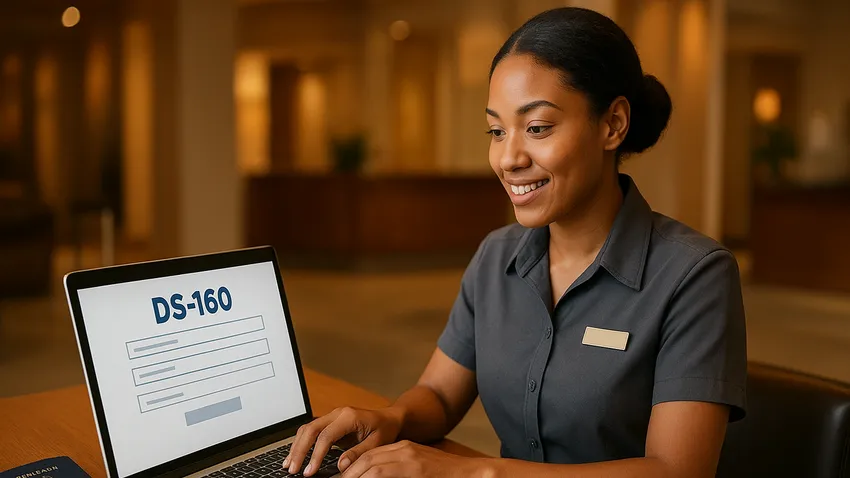

Form DS-160 is the Online Nonimmigrant Visa Application required when you seek to visit the United States temporarily for tourism, business, study, or work.
This guide explains who must file, how to complete the form correctly, and what to do after submission so you arrive prepared for your visa interview.

1. Overview of Form DS-160
Form DS-160 collects personal, travel, and background information to assess eligibility for a U.S. nonimmigrant visa.
The electronic system stores your answers and produces a confirmation page with a barcode that you must bring to the embassy or consulate interview.
2. Who Needs To File Form DS-160
All nonimmigrant visa Applicants must complete a DS-160 for categories like B-1, B-2, F-1, J-1, and H-1B.
Each Applicant, including children, needs an individual DS-160 unless a specific visa category requires another form.



The Fastest Growing
Restaurant & Hospitality Job Platform
Looking for top paid jobs? Or Hiring for your business?
3. Exemptions and Special Cases
Certain visa types do not use DS-160 and require alternative forms such as DS-156, DS-156K, DS-157, DS-158, or DS-156E.
Verify the specific form required for K visas and some E visas on official guidance before you begin your application.
4. How To Access DS-160 via CEAC
Begin your application on the Consular Electronic Application Center CEAC website.
Select the U.S. embassy or consulate where you will apply because the chosen location appears on your confirmation page and determines interview procedures.
The Fastest Growing
Restaurant & Hospitality Job Platform
Looking for top paid jobs? Or Hiring for your business?
5. Step By Step: Completing Your DS-160
Start by noting the Application ID shown at the top right of the screen so you can retrieve your session if you pause.
Enter accurate personal data, passport details, travel plans, and background questions; save often to avoid losing work.
Upload a passport-style photograph that meets U.S. visa photo standards.
Review every entry carefully, then sign electronically using the Sign Application button and submit the form.
6. Photo and Document Requirements
Your uploaded photo must match U.S. visa specifications for size, background, and recent appearance.
Prepare supporting documents such as your passport, travel itinerary, invitation letters, and evidence of financial support to bring to the interview.
7. Technical Tips and Common Mistakes
The CEAC session times out after 20 minutes of inactivity so save frequently to protect your answers.
As of August 2025, DS-160 works with supported versions of Internet Explorer, Firefox, and Google Chrome; Safari and Microsoft Edge are not supported.
Common errors include mismatched names, incorrect passport numbers, and failure to note the Application ID for retrieval.
8. After Submission: Scheduling Your Interview
Print the DS-160 confirmation page with the barcode immediately after submission because you must present it at your interview.
Use that confirmation to schedule an appointment at the U.S. embassy or consulate you selected when completing the form.
9. Preparing For The Visa Interview
Bring your passport, DS-160 confirmation page, visa fee receipt, and all documents the embassy requests.
Be prepared to answer questions truthfully about your purpose of travel, ties to your home country, and intended length of stay, and treat the Consular Officer with respect.
10. Quick Checklist and Additional Resources
Use this checklist before attending your interview to reduce delays and denials.
| Item | Action |
|---|---|
| Application ID | Record it to resume or retrieve your DS-160 if you pause. |
| Photo | Upload a compliant passport photo and save a backup copy. |
| Review | Check names, passport number, and travel dates for accuracy. |
| Print the confirmation page with barcode after submitting. | |
| Schedule | Use the confirmation to book your interview at the chosen embassy or consulate. |
Follow these additional best practices when filling DS-160:
- Answer truthfully and consistently because false statements can cause visa denial or permanent ineligibility.
- Allow ample time to complete the form and gather documents; do not rush before your appointment.
- If an Applicant cannot complete the form, a Parent or Guardian may complete it on their behalf.
Additional Resources for DS-160
- U.S. Department of State DS-160: Online Nonimmigrant Visa Application
- U.S. Department of State DS-160 Frequently Asked Questions
- Consular Electronic Application Center CEAC
Conclusion: DS-160 Completion Tips
Completing Form DS-160 carefully and honestly is a critical step in securing a U.S. nonimmigrant visa.
Save often, record your Application ID, print the confirmation page, and prepare required documents so you arrive to your interview confident and fully prepared.





Loading comments...